
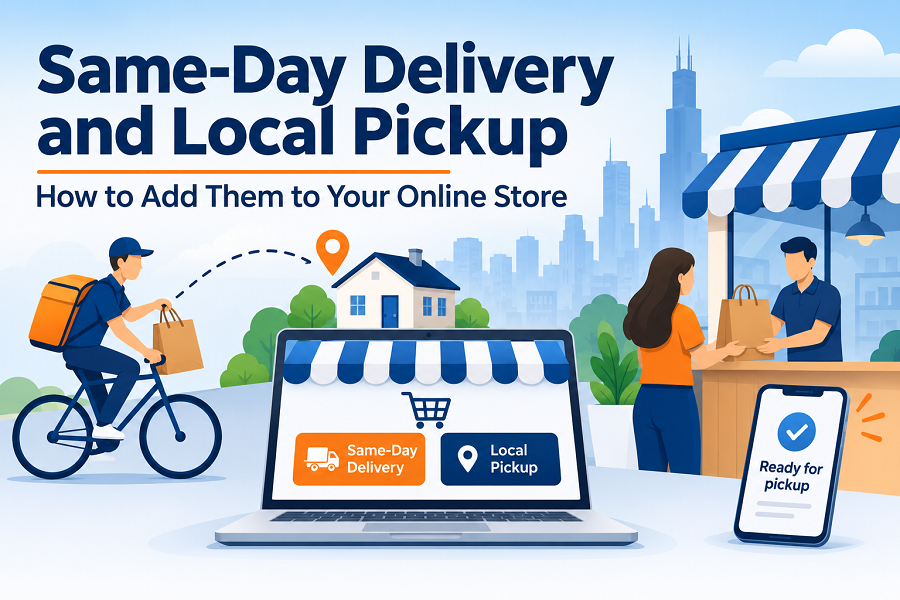
Short answer: turn on local delivery and pickup in your store platform, set your delivery zone and cutoff time, keep inventory in sync, and spell out the options at checkout. On Shopify, the basics take an afternoon. Routing, time slots and live tracking take more work, and that’s where E-Commerce Development Services earn their keep. This guide walks through each step in plain language, with costs, common mistakes, and tips we share with Chicago store owners.
Why Should You Offer Same-Day Delivery and Local Pickup?
Because they fix the two things that make shoppers leave: slow shipping and extra fees. Pickup costs the customer nothing, and same-day delivery gives them the product when they actually need it. You also save on shipping labels and packaging, and nearby customers tend to come back more often.
Here’s what you can expect:
- Fewer abandoned carts: Baymard Institute research has found that extra costs at checkout, mostly shipping, are the top reason people quit, at close to half of abandoned carts.
- Lower shipping costs: Pickup orders skip the carrier entirely.
- Bigger baskets: People who come to your store to collect an order often add something at the counter.
- A real edge over big retailers: A national marketplace can’t hand someone their order in 90 minutes. You can.
Our post on why local Chicago shops need mobile-first e-commerce websites shows why this matters even more when most of your shoppers are on their phones.
What Do You Need Before You Start?
Get these six things settled first, because every setting in your store depends on them:
- A delivery zone: a radius (say 10 miles) or a list of zip codes you can reach on the same day.
- A cutoff time: for example, orders placed before 1 p.m. go out the same day.
- Accurate stock by location: your system must know what’s on the shelf in each store or stockroom.
- A delivery method: your own driver, a bike courier, or a third-party service such as DoorDash Drive or Uber Direct.
- Pickup details: address, hours, where to park, and who to ask for.
- A packing routine: who picks, packs, and hands off orders, and how fast.
Tip: Start small. One location, one zone, and a short list of products is easier to run than the whole catalog on day one.
How Do You Set Up Local Pickup and Local Delivery on Shopify?
Shopify has both options built in, and you can set them up in a few steps:
- Open your admin and go to Settings > Shipping and delivery, then add or select your store location.
- Turn on local pickup for that location. Set the expected pickup time, such as “ready in 2 hours,” and add instructions for customers.
- Turn on local delivery. Choose your delivery area by radius or postal codes, then set a delivery price and a minimum order amount.
- Customize the notification emails so customers get a clear “ready for pickup” or “out for delivery” message.
- Place a few test orders from your phone and walk through the whole flow yourself.
WooCommerce works a little differently. It includes a local pickup shipping method, and delivery date and time slots usually come from a plugin. Either way, cutoff times and slot limits often need an app or a bit of custom work. If you’re still choosing a platform, how to build a high-converting e-commerce store in Chicago is a good starting point.
Shopify’s features change often, so double-check the current menus in its help center before you begin.
Want this set up without the trial and error? Book a quick call with our team, and we’ll map out the right setup for your store.
How Can You Offer Same-Day Delivery Without Losing Money?
Set rules that protect your margin. Same-day delivery gets expensive fast when every order is a one-off trip, so the trick is to batch orders and charge fairly.
A simple starting formula looks like this:
- Orders before 1 p.m. are delivered by 7 p.m.
- Delivery within 10 miles for a flat $8 fee
- Free delivery over $75
- A minimum order of $25
- A daily limit on delivery slots so your team never gets swamped
If your orders cluster in a few neighborhoods, assign one driver per area and run a set route each afternoon. That cuts miles and keeps costs predictable. Check your numbers after the first month and adjust the fee or minimum if you’re losing money on small orders.
Quick fact: Pickup orders usually cost you less than any delivery option, so many stores make pickup free and charge only for delivery.
How Do You Keep Inventory Accurate Across Online and In-Store Sales?
Connect your store to one live inventory count. Overselling is the fastest way to ruin a same-day promise, because the customer is already expecting the item that afternoon.
Three habits prevent most problems. First, sync your point-of-sale and online store so a sale in either place updates stock right away. Second, keep a small safety buffer on fast-moving items, so a last unit doesn’t get sold twice. Third, reserve stock the moment someone checks out, not when you start packing.
Small shops often handle this with a built-in POS and a few apps. Larger catalogs, multiple locations or an older inventory system usually need custom integration work. Our guide on e-commerce development services for small businesses explains where that spending makes sense and where it doesn’t.
If you’re budgeting, how much an e-commerce website costs in Chicago gives you realistic ranges.
Do You Need a Custom App for Delivery and Pickup?
Not at first. A good mobile-friendly store with text or email updates covers most businesses. A custom app starts to pay off when customers reorder weekly, want live driver tracking, or you’d like push notifications and a loyalty program.
Two routes are common. React Native shares one codebase across iPhone and Android. Ionic builds on web skills and can be easier to maintain. Choosing between a react native agency and an Ionic app development company comes down to your timeline, your budget, and what your team already knows. At IBWD, our React Native development and Ionic development services cover both routes, and you can expect the same from any Ionic mobile app development company worth hiring: build, test, publish, and support. A good provider of Ionic app development services will also help you decide whether you need an app at all.
If most of your customers use iPhones, an iOS app design agency can design a pickup flow that feels native, with order status and a “I’m here” button for curbside handoff. Payments also deserve extra care. The same habits used in banking application development, like tokenized cards and secure logins, apply to any app that stores payment details.
For local help, our mobile app development Chicago team works with businesses that want more than a template. Whether you search for mobile development Chicago partners or mobile app developers Chicago owners can meet in person, ask to see past work, and how they handle updates after launch. For a real-world example of how apps build repeat business, read how Chicago restaurants are using mobile apps to boost customer loyalty.
How Do You Tell Customers About Your Delivery and Pickup Options?
Put the options where people make decisions: the homepage banner, product pages, the cart and checkout. A small zip code checker on product pages (“Enter your zip to see if same-day delivery is available”) removes doubt before the customer reaches checkout.
Also update your Google Business Profile. It lets you mark options like in-store pickup and same-day delivery, which can help local shoppers find you. Pair that with steady search engine optimization work, and your “near me” visibility improves over time.
The message has to be clear, and the page has to load fast. That’s as much a Chicago web design task as a technical one. Our web design Chicago page shows how we approach layout and clarity, and the same thinking applies to web development Chicago projects where pickup and delivery tools need to feel simple on a small screen.
What Mistakes Should You Avoid?
- Promising same-day delivery with no cutoff time. Customers will assume midnight.
- Letting pickup orders sit unclaimed. Set a hold period, such as 3 days, and tell people what happens after.
- Hiding fees until checkout. Show delivery costs early.
- Skipping the test orders. Place at least five yourself on different phones.
- Ignoring packaging for hot or cold items. Decide how you’ll handle them before you offer delivery.
Frequently Asked Questions
Can I offer same-day delivery without hiring drivers?
Yes. Third-party courier services such as DoorDash Drive and Uber Direct can handle the last mile, and you pay per delivery.
Is local pickup free on Shopify?
Shopify includes local pickup on its plans, but check your current plan details. You decide whether to charge customers for it, and most stores keep it free.
How fast can I set this up?
A basic version on Shopify can go live in a day. Custom time slots, route planning, or an app usually takes a few weeks.
Will this work with my current website?
Usually yes. Platform settings, an app, or a custom build can add pickup and delivery to most e-commerce sites.
Should I start with delivery or pickup?
Start with pickup. It’s cheaper to run and teaches you how local orders flow before you add drivers.
Final Thoughts
Pickup and same-day delivery work best when you start small, set clear rules, and keep inventory accurate. Get the basics live, watch the numbers for a month, then add time slots, tracking, or an app when your customers ask for them. If you want a partner for the build, IBWD Computer Services offers e-commerce development services for Chicago stores that want delivery and pickup to run smoothly, with the design, development, and support under one roof.
Ready to launch? Talk to IBWD Computer Services about E-Commerce Development Services and let’s plan your delivery and pickup setup together.
